#AGIYOURSELF: from daily automations to a prompt codebaseAn attempt to build one automation a day for ninety days.
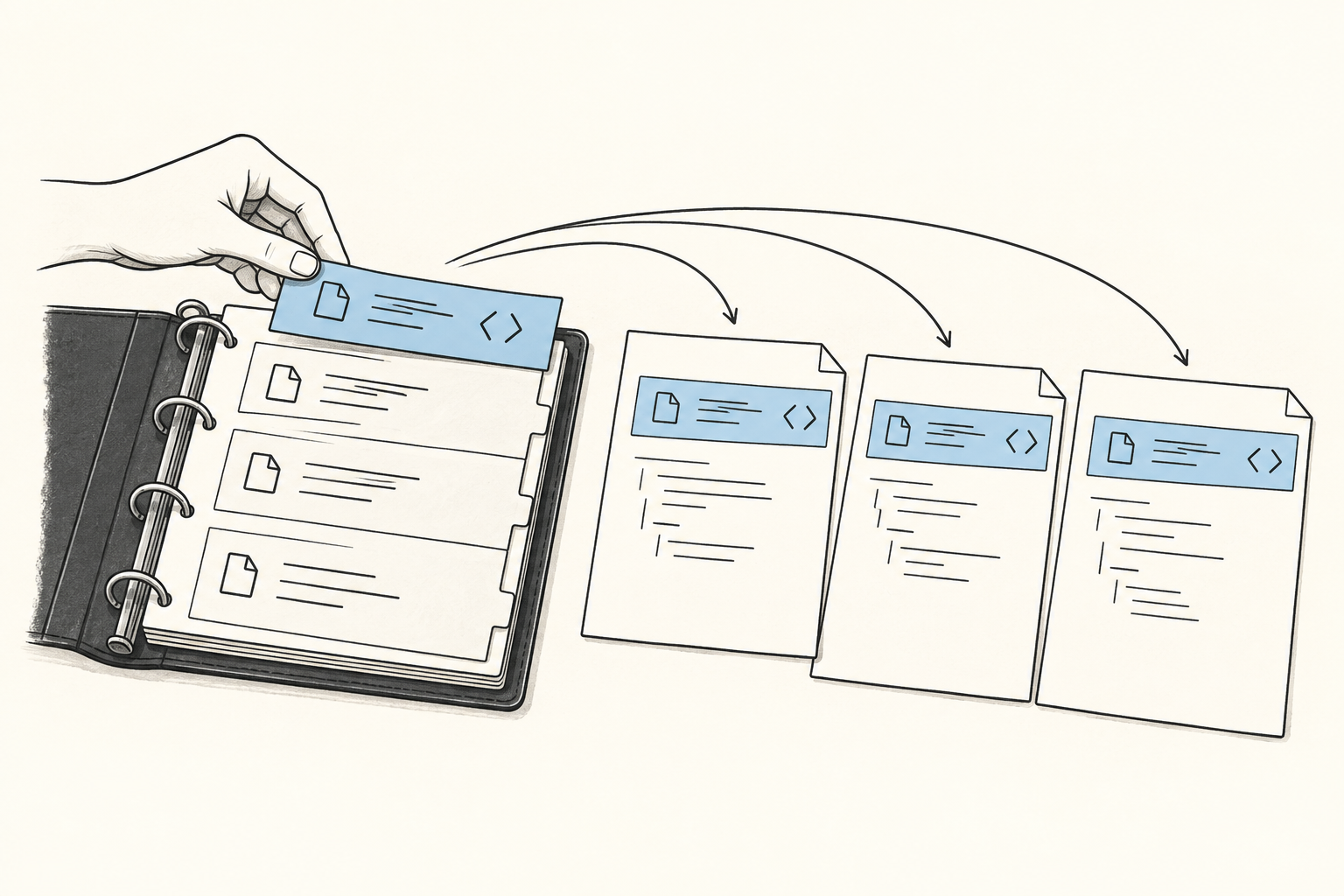
#AGIYOURSELF began as a challenge to build one AI automation every day for ninety days. I wanted to discover the common infrastructure behind personal AI systems by shipping concrete examples instead of designing a framework in advance.
The first season failed because an automation was too large and brittle to produce daily. Each one took hours, depended on a specific tool and trigger, and became wrong when the surrounding process changed. The second season changed the daily unit from an automation to a prompt.
That change made the cadence sustainable. A prompt took minutes to write, could be revised without rebuilding its execution path, and stored the reasoning that made an automation useful. I then built a codebase around prompt files, reusable components, rationales, and evaluations.
The first automation was only a capture pipe
I began with the simplest useful path I could build:
Telegram message → n8n workflow → Redis → daily Notion pageI could send a thought to a Telegram bot and append it to that day's record. The workflow did not classify or summarize the message. I did not know yet which later operations would matter, so I kept the captured data as chronological text.
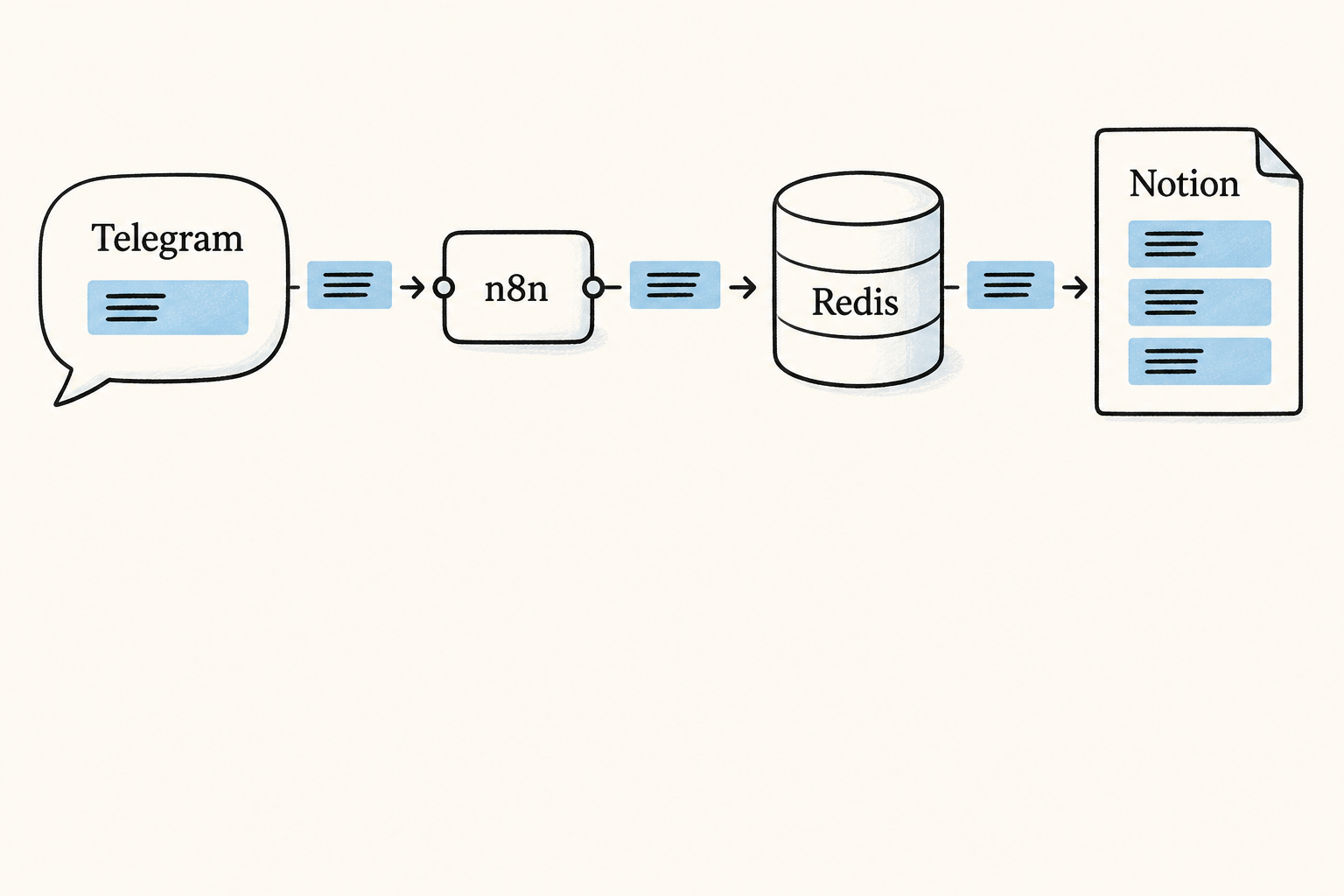
That pipe outlasted most of the automations built around it. It produced a personal corpus before I knew exactly how I would use one. Months later, those journal entries became the real examples I used to evaluate prompts.
The implementation moved between storage systems as the project grew. The durable decision was simpler than any database choice: capture first, preserve the original text, and add structure only when a concrete operation needs it.
Unattended automations failed expensively
On the second day, I built a workflow to process email. It had no effective error path and retried failed steps inside a loop:
100 emails
  about 6,000 model calls
  $80 in the first two hours
  $400 before the active run was stopped
Turning the workflow off prevented new runs. It did not kill the run already in flight. I had treated an editor toggle as an emergency stop.
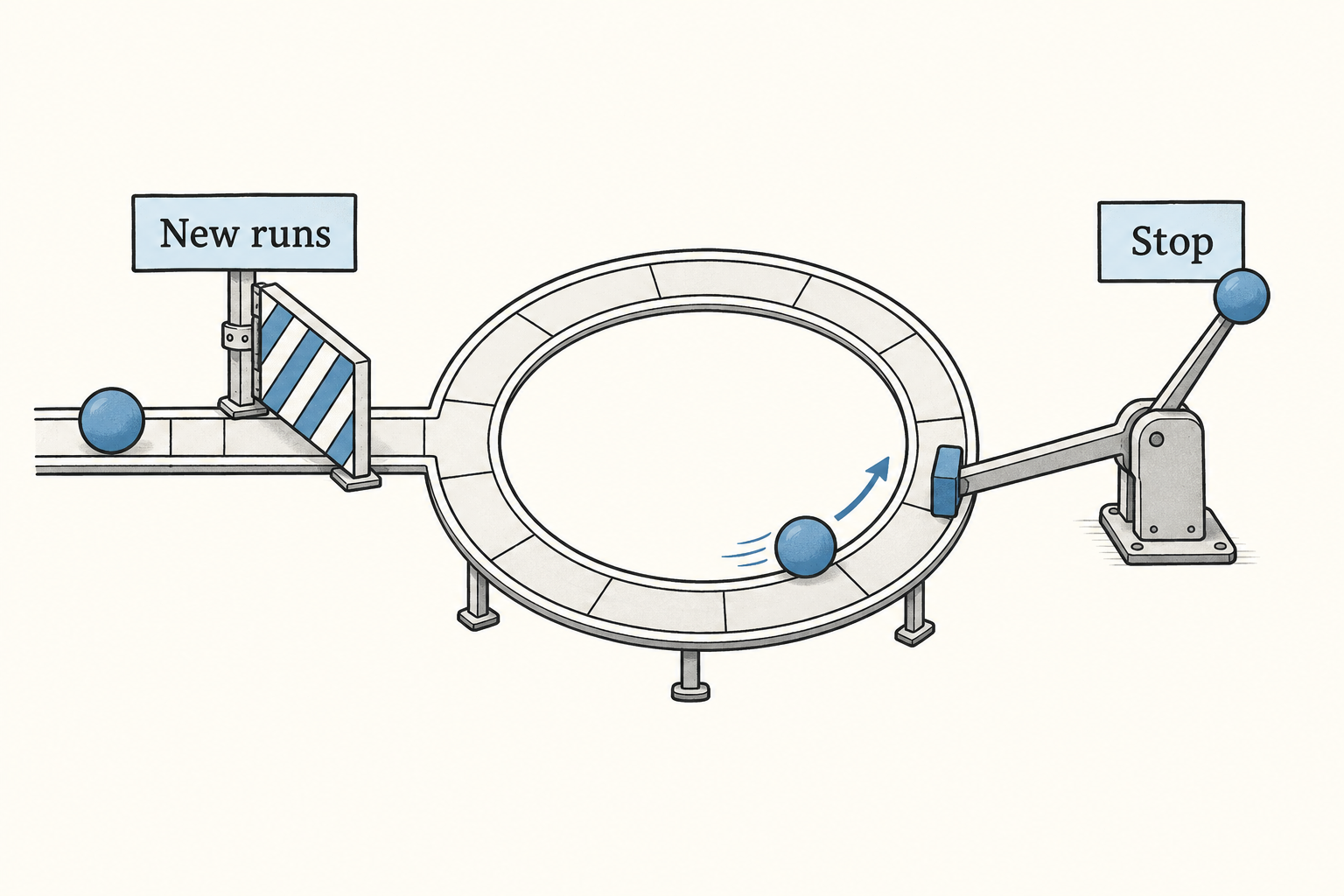
After that incident, every unattended workflow needed three explicit limits:
- a maximum number of iterations or items
- a measured budget for model calls and tokens
- a kill mechanism that reaches an active run
I also tested loops with cheap models and small input sets before connecting them to paid APIs. An error handler that only records a failure is insufficient if the surrounding loop continues to spend money.
This incident exposed a broader cost of the daily unit. A prompt can produce a bad answer and stop. An automation combines model behavior with triggers, retries, state, external services, and money. Shipping one safely requires much more than writing the model instruction.
One automation a day did not compound
About a month into the challenge, the cadence slipped. Each new automation solved a separate task and reused little from the previous day.
An automation captured too many assumptions at once:
- which application held the data
- the shape of that application's API
- the event that should trigger the workflow
- the steps I currently believed were useful
- the failure and retry behavior
When one assumption changed, the automation often required a rebuild. It continued running perfectly in the meantime, including when the underlying task no longer mattered.
The retrospective contained the clearest comparison:
90 automations in 90 days

too hard to sustain
no repeatable process for creating them
fragile system
90 automations < 1 automation with 90 refinements
The challenge also lacked a way for its outputs to improve the production process. I could not use one n8n graph to generate or revise the next graph reliably. Visual workflows were fast to start and became difficult to manage as branches, implicit state, and retries accumulated.
The problem was the artifact I had chosen to produce. I needed something cheap enough to create speculatively, small enough to revise, and structured enough for the system to manipulate.
I kept human judgment outside the scheduled workflow
Many personal tasks vary at the point where judgment matters. I may want a journal summary today and a comparison with last month tomorrow. Scheduling either operation permanently requires me to decide in advance which interpretation will remain useful.
A prompt leaves that decision with me. I choose when to run it and what context to provide. Code handles the repeatable mechanics: loading data, rendering the template, calling the model, and storing the result.
Some prompts later become unattended components. I promote one when its trigger and expected output have become predictable through repeated manual use. The prompt text can stay the same; scheduling is a separate layer.
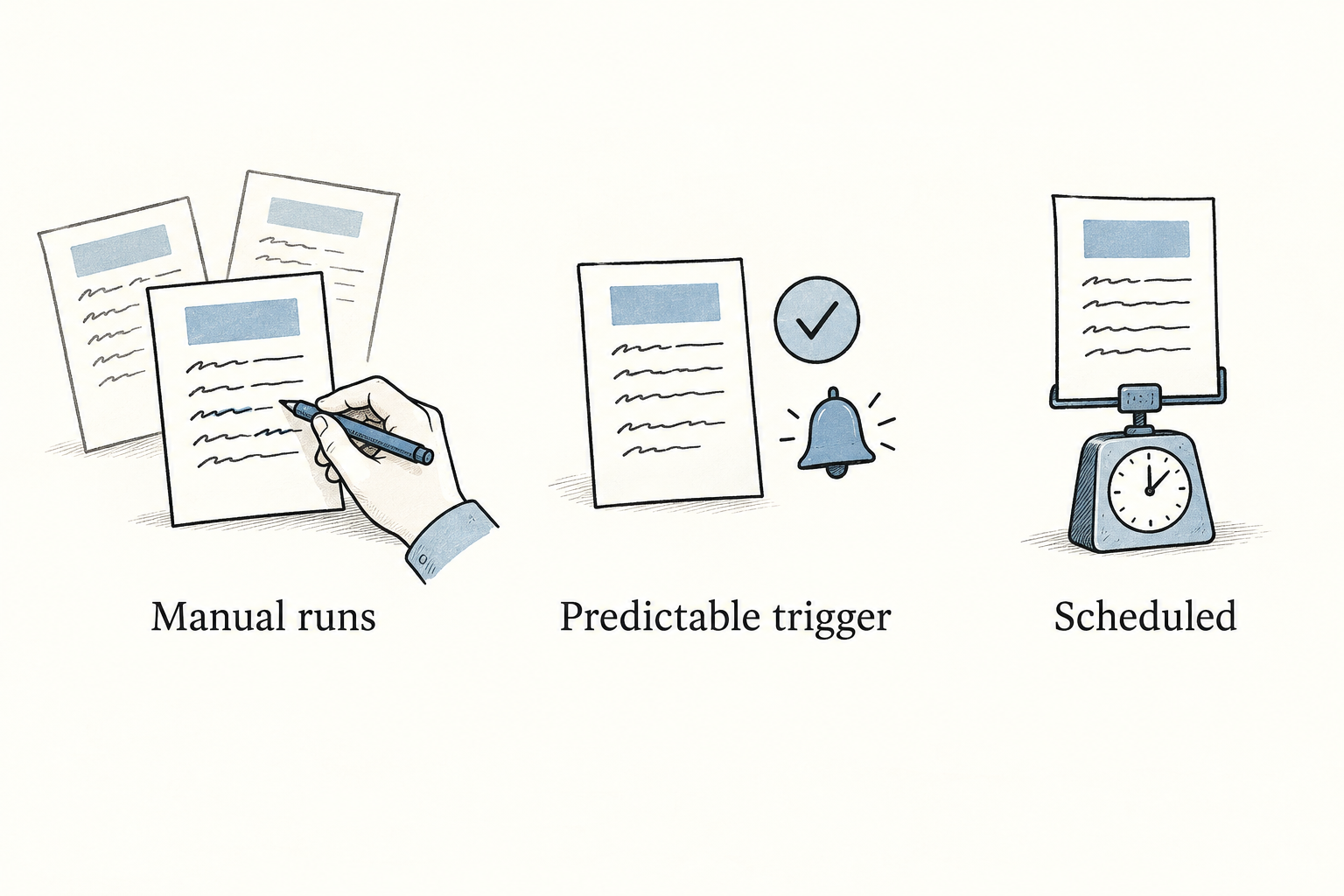
This let me discover a workflow before automating it. I could run a prompt manually, revise it several times, and see where it failed without first building a listener, queue, retry policy, and deployment path.
The second season produced prompts and improvements to the prompt system
I restarted #AGIYOURSELF with prompts as the daily unit. Three kinds of work counted:
- write a new prompt
- improve an existing prompt
- improve the process or tooling used to create prompts
The third category created the compounding effect missing from the first season. A better macro, evaluator, or prompt loader improved every later artifact. Refining an existing prompt also preserved the value of earlier work instead of adding another disconnected workflow.
A prompt took minutes to create, so I did not need proof that it deserved an evening of engineering. Most experiments could fail cheaply. Useful prompts accumulated revisions instead of being replaced by another automation with slightly different assumptions.
Prompts became files with their own history
I moved prompt text out of Python functions and into a dedicated repository. This separated the text sent to the model from the code that executes it:
promptbase/             prompt composition
  extract-info.j2
  analyze-convo.j2
  library.lib.j2
  journal/
    compare.j2
    extract-ideas.j2

agiyourself/            execution
  cli.py
  promptfile.py
  chat.py
  journal.py
The files under promptbase contain wording, interpolation, control flow, and reusable prompt components. The Python package loads context, renders templates, calls models, and writes outputs. Prompt text does not live in the execution code.
Each prompt uses frontmatter and a Jinja2 body:
---
name: extract-info
tags:
  - utility
---
Extract the following information from the input:

{% for key in keys %}
- {{ key.name }}: {{ key.description }}
{% endfor %}

Input:

{{ INPUT() }}
Making the prompt a file gave it a Git history, focused diffs, review, and reverts. I could change the wording without reading the Python around it, and an evaluator could identify the exact prompt version that produced an output.
Jinja macros made prompt improvements reusable
Plain template substitution would still leave repeated prompting patterns scattered across files. I chose Jinja because it supports imports, macros, control flow, and template inheritance.
Shared instructions became functions in library.lib.j2:
{% macro role_prompt(role, expertise, task) -%}
Assume the role of a {{ role }} with expertise in {{ expertise }}.
Your task is to {{ task }}.
Approach the task using the knowledge and methods of that role.
{%- endmacro %}
Prompts call the macro instead of copying its text. Improving the shared instruction changes every prompt that imports it. The same pattern works for structured output, explicit reasoning steps, and common context blocks.
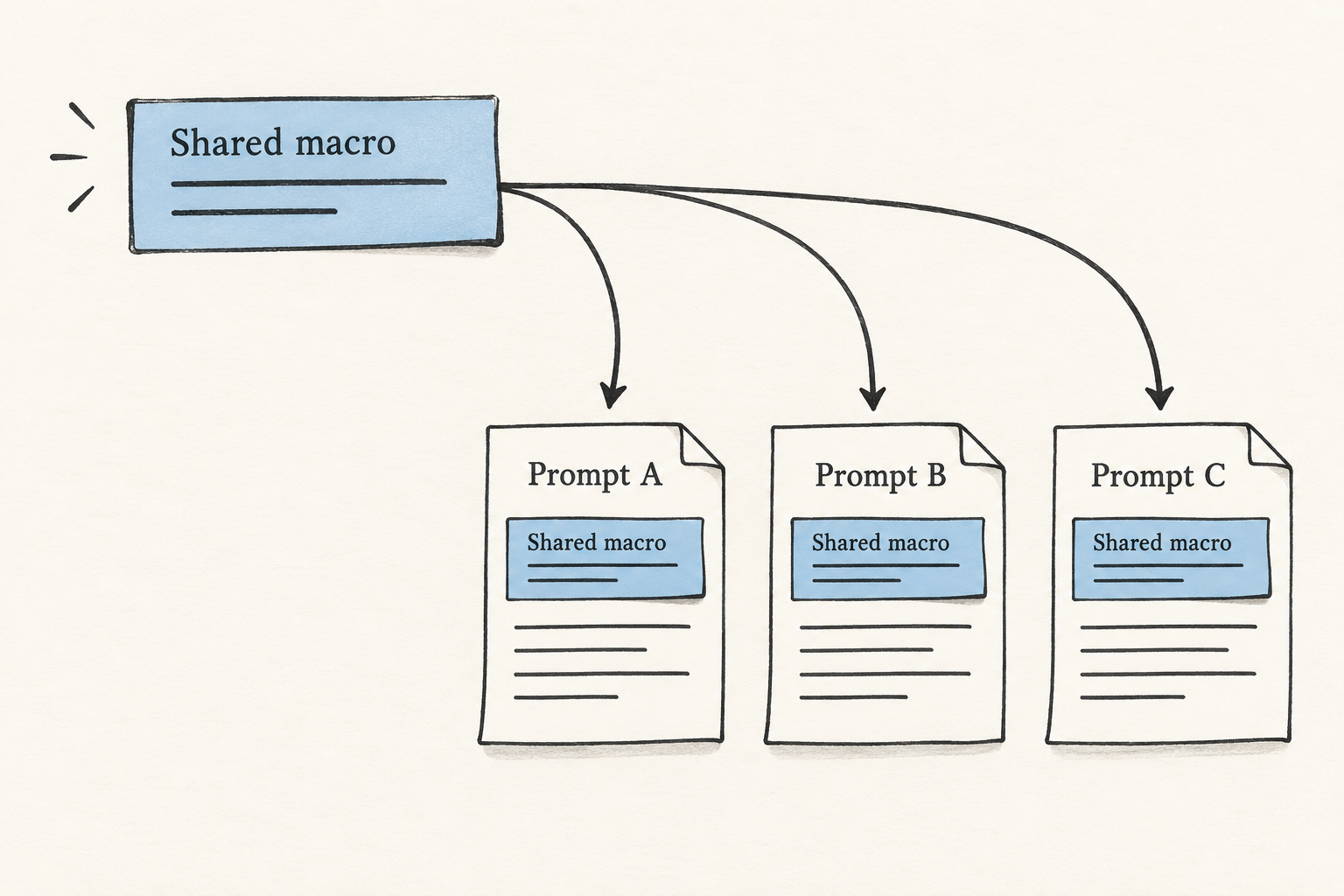
This was the reuse I had expected from the automation challenge. The reusable parts were usually prompt structures and execution utilities, not whole workflows.
I stored the reason for each prompt beside its wording
The prompt text records what to send the model. It often does not preserve why I created it, when I expected to use it, or what a good result looked like.
I stored that information beside the template:
prompts/summarize-journal-entry/
  prompt.jinja2
  rationale.md
The rationale records:
- the situation that triggered the prompt
- the result I wanted
- relevant background and constraints
- examples used to evaluate it
- changes made after earlier runs
This context became more valuable than the original wording. I could usually rewrite a prompt quickly. Reconstructing the situation that made it useful was much harder after several weeks.
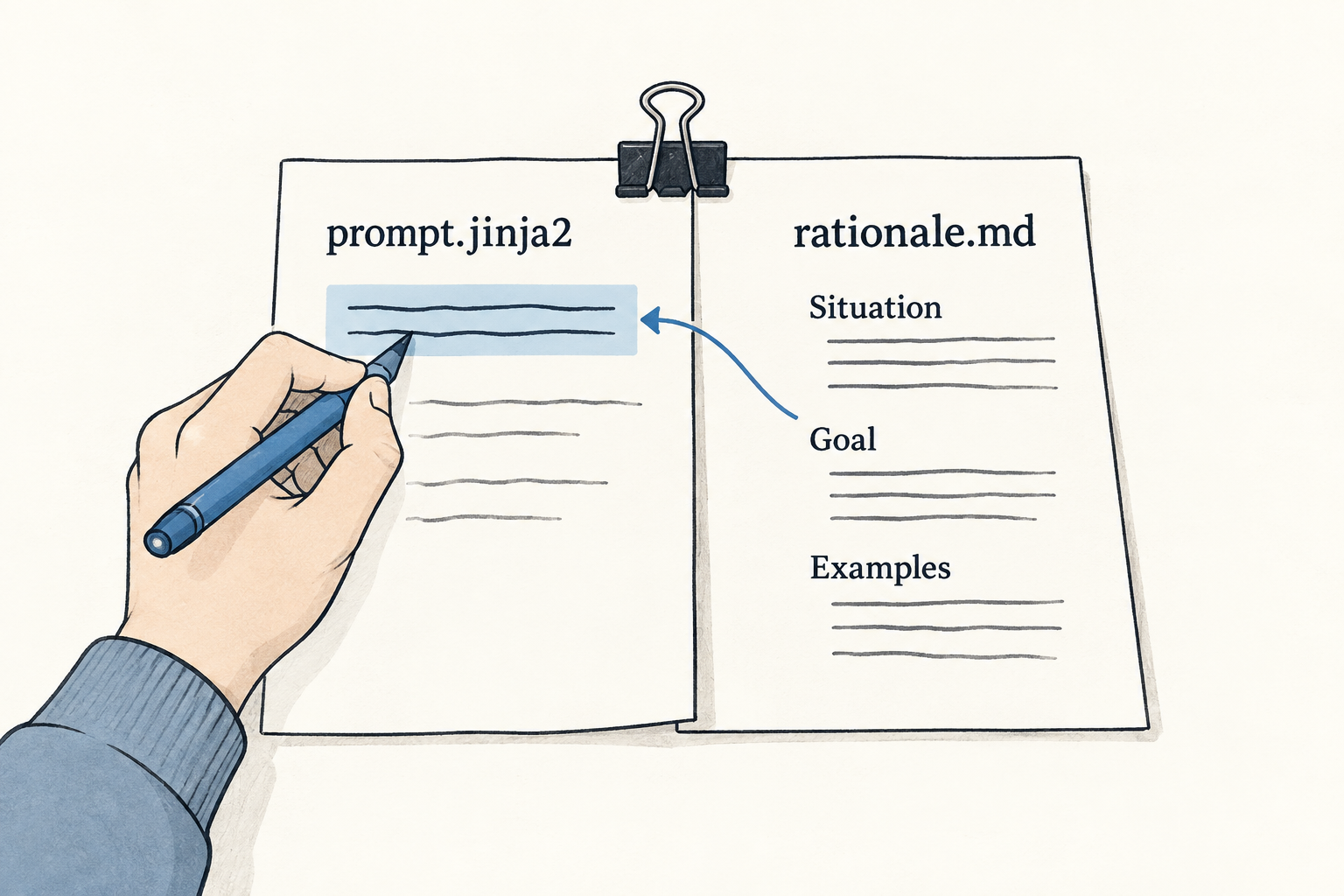
The rationale also made improvement easier. When an output looked wrong, I could compare it with the intended use instead of editing toward whichever result sounded better in the moment.
Prompt evaluation needs scores and real personal data
Software tests usually return pass or fail. Prompt outputs rarely have one exact correct answer. Two journal summaries can both be valid while one preserves more important details or follows the requested structure better.
I evaluated prompts on several dimensions and returned a score for each:
test
  summarize(entry) == expected
  → pass or fail

evaluation
  score(summarize(entry), dimensions=[coverage, specificity, structure])
  → 0.0 to 1.0 per dimension
Scores let me compare prompt versions and see whether an edit improved one dimension while damaging another.
I used my own journal as the evaluation set. Public benchmarks could measure generic summarization, while these prompts were supposed to work on my entries, habits, omissions, and writing style. Several months of captured data gave me examples drawn from the distribution the system would actually encounter.
I preserved the human-authored journal as the source. Model output could be stored as separate annotations, summaries, or metadata. Replacing the original entry with generated prose would contaminate later evaluations with the style and assumptions of earlier model runs.
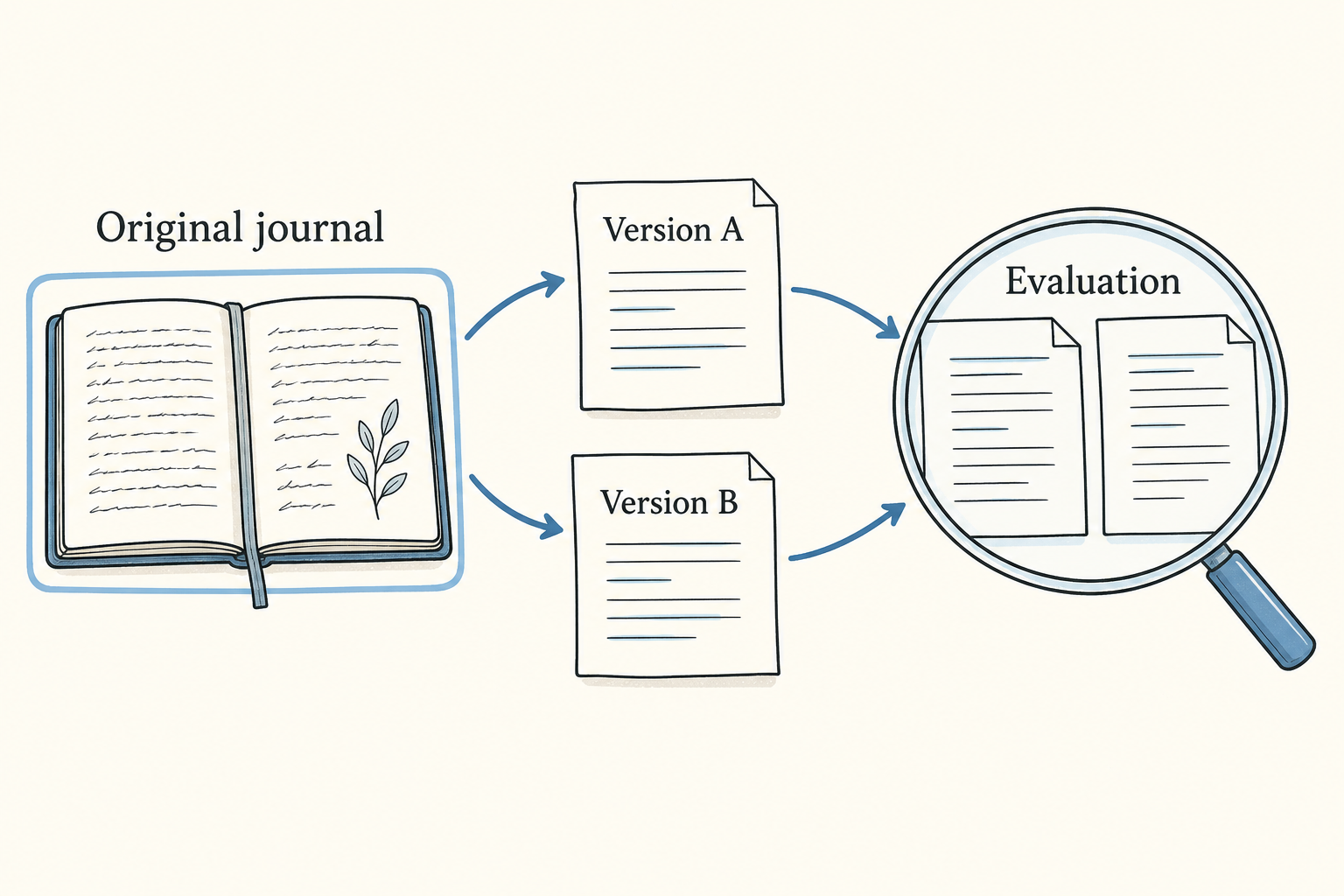
The capture pipe from the first days of the project therefore became part of the prompt-development system. It supplied real inputs, while Git supplied prompt versions and rationales supplied the intended behavior.
The prompt codebase was the infrastructure I had been looking for
The first season tried to discover common infrastructure by accumulating complete automations. The artifacts shared too little and cost too much to refine.
The second season moved the reusable intelligence into smaller pieces. Prompt files stored instructions. Macros stored common patterns. Rationales stored the situations and constraints behind them. Evaluations measured changes against real personal data. The execution engine handled rendering and model calls.
This structure still supported automation. A prompt that proved useful in repeated manual runs could be connected to a trigger later. By then I had evidence about its inputs, outputs, and failure modes.
#AGIYOURSELF began as ninety attempts to automate my life. It became a way to build and evaluate the model-facing components before committing them to unattended workflows. Changing the daily unit made that possible: prompts were cheap enough to explore and structured enough to improve each other.